

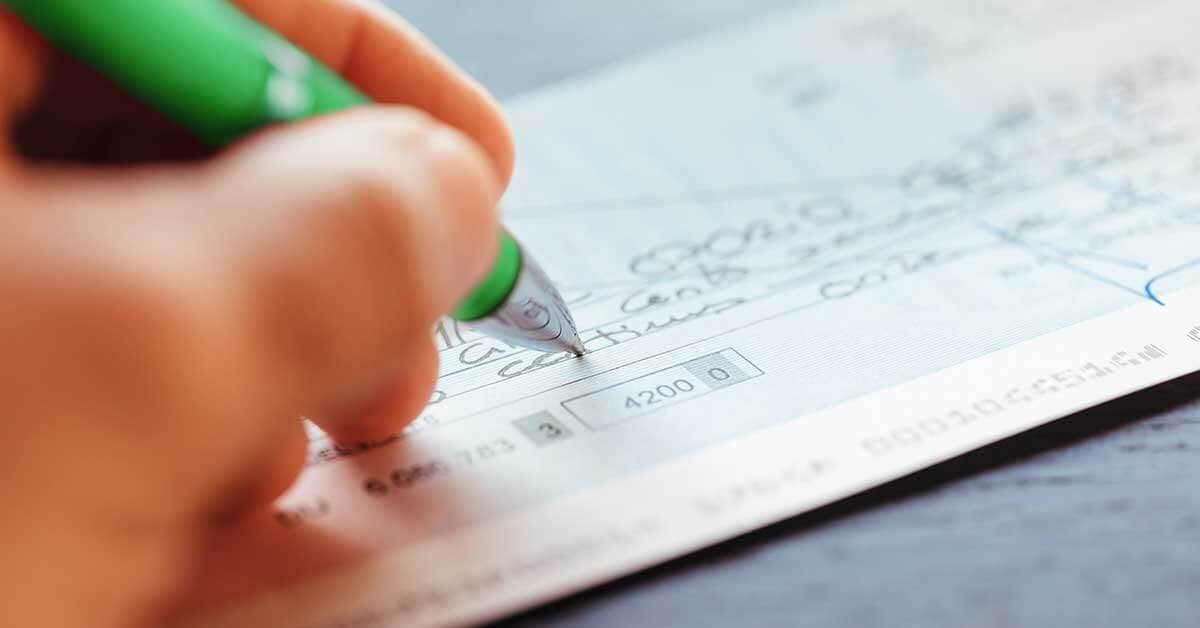
Reordering cheques for your business account might seem like a simple task, but doing it correctly can save time, money, and headaches. Cheques are still essential for many companies—used for payroll, vendor payments, rent, or legal transactions—and ensuring you have a steady supply is key to uninterrupted operations.
Here’s a step-by-step guide to help you reorder business cheques efficiently, securely, and affordably.
1. Know What You Need
Before placing a reorder, determine exactly what type of cheques your business uses:
- Laser cheques: For printing through accounting software like QuickBooks or Sage
- Manual cheques: Handwritten, typically used for occasional or emergency payments
- Deposit slips and cheque binders: Often reordered alongside cheques for convenience
Make note of your existing cheque format, design, and any custom branding or security features you use.
2. Gather Key Account Information
To ensure accuracy, have the following details on hand:
- Your business name and address as it appears on your cheques
- Your financial institution’s name and branch address
- Transit number, institution number, and account number
- Starting cheque number (so you avoid duplicates)
Mistakes in this information can lead to bounced cheques or processing delays, so double-check everything before proceeding.
3. Decide Where to Order From
You have several options for reordering business cheques:
- Through your bank: Convenient, but often more expensive and less customizable
- Third-party cheque printers: Offer lower prices, faster delivery, and custom features
Third-party printers are legally authorized in Canada and the U.S. to print cheques that meet banking standards—as long as they follow required security specifications.
4. Customize Your Order
When reordering, you can:
- Add or update your company logo
- Choose different colors or cheque layouts
- Upgrade security features (e.g., holograms, microprinting, watermarks)
- Order accessories like endorsement stamps, envelopes, and deposit books
Customization not only strengthens your brand identity but can also increase your cheques’ security against fraud.
In the middle of exploring your options, many business owners choose to order cheques at DiscountCheques.com due to their competitive pricing, banking-compliant designs, and range of customization choices. The platform simplifies the reorder process while offering trusted service and fast turnaround—ideal for busy entrepreneurs and finance teams.
5. Review and Confirm Your Order
Before you finalize your reorder:
- Preview the cheque layout
- Confirm the account and routing numbers
- Check the shipping address
- Review the total cost, including shipping and taxes
It’s worth investing a few extra minutes to ensure everything is perfect—errors can cost more in the long run.
6. Track Your Shipment and Prepare for Use
Most cheque printers provide tracking information so you know when to expect delivery. Store your new cheques securely in a locked drawer or filing cabinet. Consider shredding old or unused cheques with outdated information to prevent fraud or confusion.
Also, update your accounting software with the new starting cheque number if you’re printing them through a system like QuickBooks or Xero.
7. Plan Ahead for Next Time
Don’t wait until you’re down to your last cheque. It’s a good idea to reorder when you have about a month’s supply left—factoring in your average monthly usage and delivery time.
Conclusion
Reordering cheques for your business is a straightforward process when you plan ahead and use a reliable provider. With the right information and a trusted supplier, you can ensure your operations continue without interruption. Many businesses choose to order cheques at DiscountCheques.com for the convenience, customization, and savings they offer—all while meeting the strict standards of bank compliance. With a well-executed reorder, you’ll keep your finances flowing smoothly and securely.